Typing fast feels great until you look at the screen and realize half your words have mistakes. You stop, hit backspace, fix the errors, and suddenly that impressive typing speed doesn’t seem so useful.
You don’t need to spend hours at the keyboard to improve. A few changes to how you type and practice can make a noticeable difference.
In this article, you’ll learn how to improve typing accuracy with seven practical tips that help you make fewer mistakes, and build better typing habits.
Let’s jump in!
How Can You Improve Typing Accuracy?
Improving typing accuracy starts with understanding why you make mistakes in the first place.
Maybe you’re pressing the wrong keys, rushing through sentences, or constantly looking down at your keyboard. These small habits can affect both your accuracy and overall typing speed.
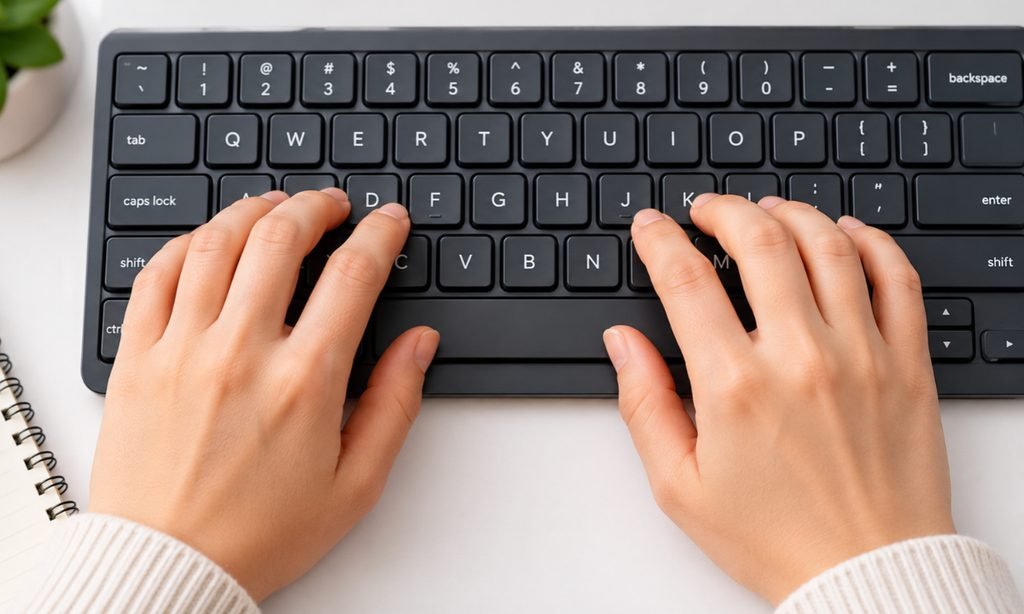
The key is to focus on correct keystrokes before trying to type faster. With proper finger placement, targeted exercises, and consistent practice, you can gradually train your fingers to move more confidently across the keyboard.
Here are seven practical ways to reduce typing errors and build better typing habits.
6 Tips to Improve Typing Accuracy
1. Prioritize Accuracy
Trying to type faster than your fingers can comfortably manage often leads to missed letters, wrong keystrokes, and constant backspacing. Instead of chasing a higher WPM score, slow down enough to type each word correctly.
Start with a short paragraph and focus on smooth, controlled keystrokes. Pay attention to the words that make you hesitate, and resist the urge to rush through them.
Aim for at least 95% accuracy during practice before gradually increasing your speed. This is a useful training target, not a strict rule. You can use a typing speed test to monitor both your WPM and accuracy as you improve.
2. Proper Finger Placement
Ever noticed how often you press the wrong key when your fingers aren’t in the right position? Proper finger placement helps you reach keys more consistently without constantly searching for them.
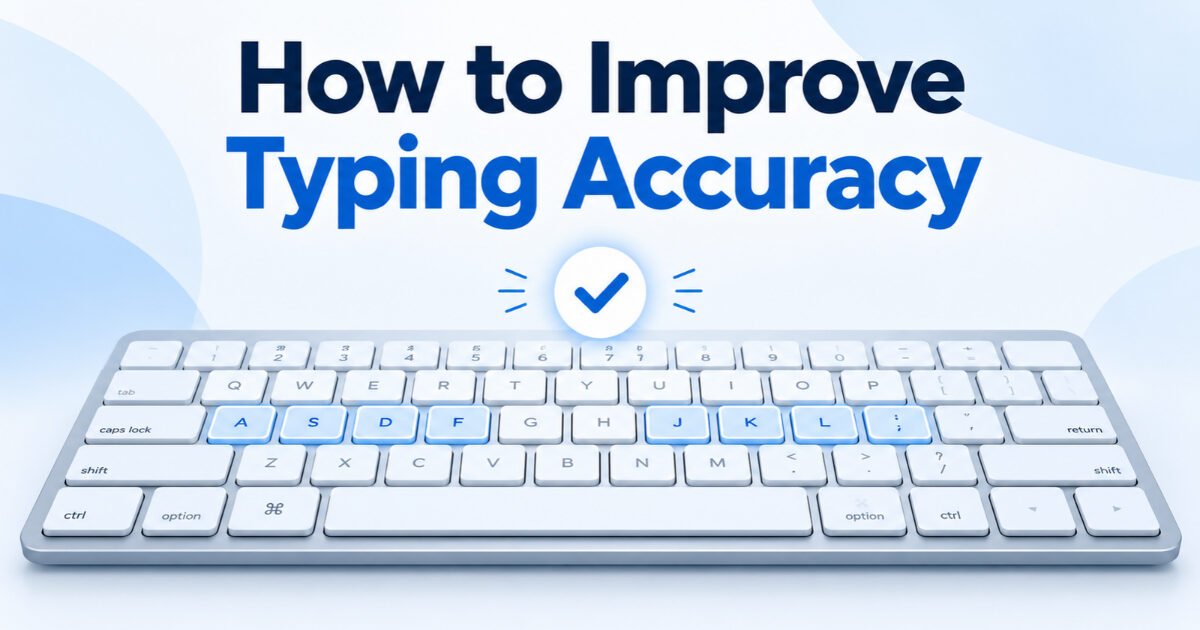
Start by placing your left-hand fingers on A, S, D, and F and your right-hand fingers on J, K, L, and ;. This is called the home row, and the small raised bumps on F and J help you find your position without looking down.
Each finger should handle a specific group of keys. After pressing a key, return your fingers toward their home-row positions to maintain control.
If you’re new to touch typing, practice simple words like sad, fall, ask, and dad before moving to longer sentences. Focus on using the correct fingers rather than finishing each exercise quickly.
3. Stop Looking at Your Keyboard
Looking down at your keyboard every few seconds might seem harmless, but it interrupts your typing rhythm and makes it harder to develop muscle memory.
Instead, keep your eyes on the screen and let your fingers find the keys. At first, you’ll probably type slower and make a few extra mistakes, but that’s a normal part of learning touch typing.
Start with familiar words and short sentences rather than complicated paragraphs. If you lose track of your finger positions, use the raised bumps on F and J to find the home row without looking down.
Try practicing for 5 minutes daily without watching your hands. Don’t worry about speed during these sessions. Focus on recognizing key positions through consistent finger movements.
4. Practice Your Common Mistakes
Do you keep pressing R instead of E or accidentally skipping letters in longer words? These repeated mistakes can reveal which keys and finger movements need more attention.
Instead of practicing random paragraphs, identify the letters, words, or key combinations you frequently get wrong. Many typing tests highlight incorrect keystrokes, making it easier to spot patterns.
For example, if you struggle with T and Y, practice words like try, type, yet, and they slowly until you can type them correctly without hesitation.
Spend 5-10 minutes practicing your problem keys rather than repeating exercises you already find easy. Start with individual letters, move to short words, and then try complete sentences.
5. Use Short, Focused Typing Sessions
Practicing for an hour straight might sound productive, but once your hands get tired or your attention starts drifting, you’re more likely to make careless mistakes.
Instead, try 10-15 minutes of focused typing practice each day. Begin with simple sentences, move to slightly challenging paragraphs, and take a short break whenever your accuracy starts dropping.
You can also divide your practice into smaller sessions. Spend five minutes reviewing difficult keys, five minutes typing complete sentences, and the remaining time checking your progress.
During each session, pay attention to accuracy rather than how many words you finish. If you notice yourself rushing or making repeated errors, slow down and regain control.
6. Track Your Progress
How do you know whether your typing accuracy is actually improving? Without tracking your results, it’s easy to focus on typing faster while overlooking mistakes that keep showing up.
Start by taking a typing accuracy test and record your accuracy percentage and words per minute (WPM). These numbers give you a starting point to measure your progress.
Repeat the test every few days using passages of similar difficulty. Compare your results to see whether you’re making fewer mistakes while maintaining or gradually improving your speed.
For example, moving from 91% accuracy at 35 WPM to 97% accuracy at 38 WPM shows meaningful improvement in both areas.
Don’t get discouraged if your scores occasionally drop. Typing performance can vary depending on fatigue, concentration, and passage difficulty.
Conclusion
Improving typing accuracy takes patience, but small changes to your daily typing habits can make a real difference.
Focus on correct finger placement, practice the keys you frequently miss, and build your speed gradually instead of rushing.
You don’t need to achieve 100% accuracy overnight. Start with a few minutes of focused practice, track your progress, and aim for steady improvement.
Ready to see where you stand? Take a free typing test and start working toward faster, more accurate typing.
FAQs
How Can I Improve My Typing Accuracy Quickly?
Start by slowing down and focusing on correct keystrokes rather than speed.
Practice your most common typing mistakes for 10-15 minutes daily, keep your fingers on the home row, and track your accuracy regularly.
Consistent, focused practice can help you develop better typing habits.
Is 95% Typing Accuracy Good?
Yes, 95% typing accuracy is a reasonable starting target, especially for beginners.
It means roughly 5 out of every 100 keystrokes are incorrect, depending on how the test calculates errors.
For better performance, gradually work toward 98% or higher while maintaining a comfortable typing speed.
Why Do I Make More Mistakes When Typing Fast?
When you type faster than your current skill level allows, your fingers may struggle to maintain accurate movements.
This often results in pressing nearby keys, skipping letters, or typing characters in the wrong order.
Reducing your speed temporarily and gradually increasing it through practice can help improve control.
