Have you ever used someone else’s keyboard and suddenly found yourself typing more slowly? Maybe the keys felt too stiff, the spacing seemed unfamiliar, or you kept pressing the wrong letters.
It raises an interesting question: Does keyboard affect typing speed, or is everything determined by your typing skills?
The answer is yes, your keyboard can influence how quickly and accurately you type. However, buying an expensive keyboard doesn’t automatically make you a faster typist.
Let’s explore what research says about keyboard types, switches, layouts, and the features that actually matter.
Does Your Keyboard Really Affect Typing Speed?
Yes, your keyboard can affect typing speed, but the difference depends on several factors.
Key resistance, travel distance, spacing, and overall comfort can change how naturally your fingers move across the keyboard.
For example, someone accustomed to a laptop keyboard might initially struggle with the taller keys of a mechanical keyboard.
However, typing technique remains extremely important.
A 2018 study by Aalto University examined approximately 136 million keystrokes from 168,000 participants. Researchers discovered that faster typists generally made fewer mistakes and used overlapping keystrokes, known as rollover.
Most participants typed between 30 and 60 words per minute (WPM), although some exceeded 120 WPM.
The findings suggest that efficient finger movement and accuracy are major contributors to typing performance.
How Does Keyboard Type Affect Typing Speed?
Not all keyboards respond to your fingers in the same way.
Understanding their differences can help you choose something suitable for your typing habits.
1. Mechanical Keyboards
Mechanical keyboards use individual switches beneath the keys.
Depending on the switch, they can provide noticeable tactile feedback, a clicking sound, or smooth key movement.
A 2024 study published in Electronics examined 33 participants using different mechanical switches.
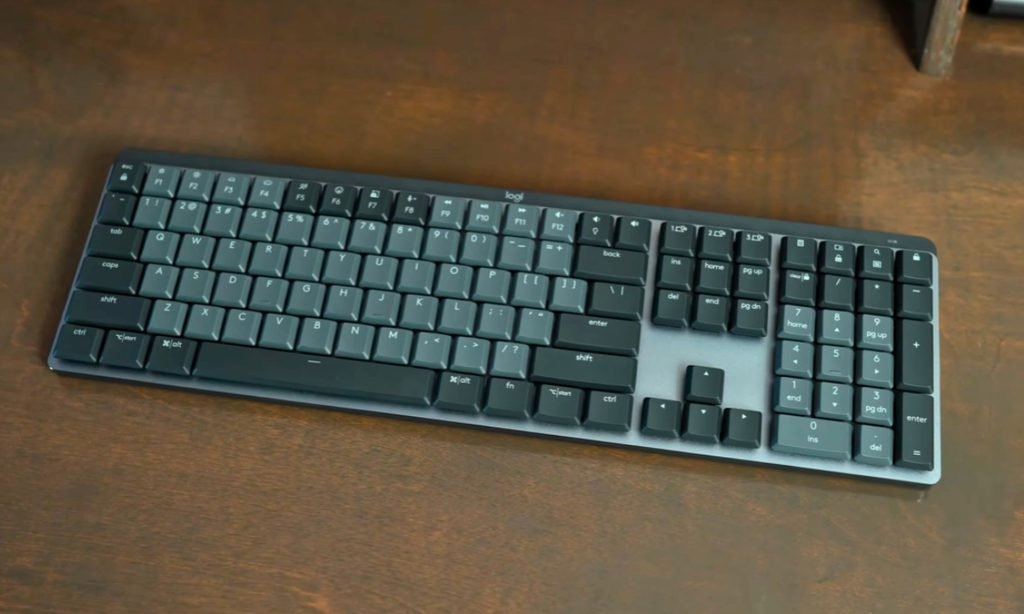
Researchers found that blue tactile switches performed better than red linear switches in typing speed and accuracy in their comparison.
However, this doesn’t mean every mechanical keyboard increases typing speed. Individual preferences and switch characteristics still matter.
2. Membrane Keyboards
Membrane keyboards generally use a flexible membrane mechanism to register keystrokes.
They are usually affordable, relatively quiet, and familiar to many office workers.
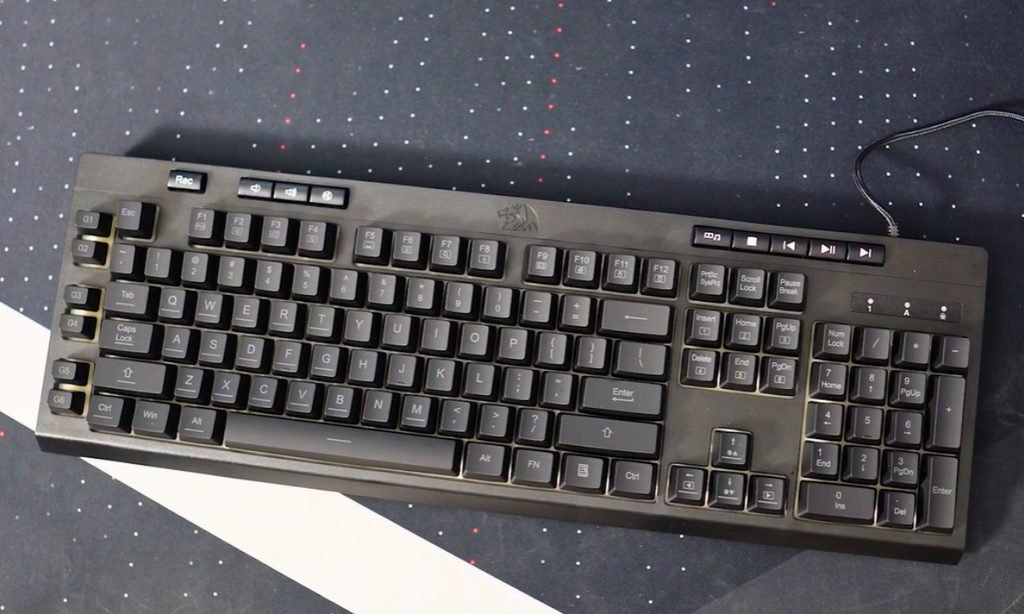
Interestingly, a study comparing mechanical and membrane keyboards found faster typing speeds on the standard membrane keyboard tested, although the mechanical keyboard required less measured muscle effort.
This shows why keyboard price alone cannot determine typing performance.
3. Laptop Keyboards
Laptop keyboards typically have shorter key travel and a lower profile.
Some users appreciate the smaller finger movements, while others dislike the limited feedback.
Research published in the Journal of Applied Biomechanics found that one short-travel keyboard design produced approximately 8% slower typing speeds than three other tested designs.
The study also reported increased muscle activity and discomfort with that particular design.
The important point is that shorter keys aren’t necessarily faster or more comfortable.
Which Keyboard Features Influence Typing Speed?
Several physical characteristics can affect your typing experience.
1. Key Travel Distance
Key travel describes how far a key moves when pressed.
Short-travel keys may feel quicker because your fingers move less, but extremely shallow keys can create problems if feedback is poor.
The ideal distance depends partly on your preferences and familiarity.
2. Switch Actuation Force
Actuation force refers to the pressure needed to register a keystroke.
Light switches require less force, while heavier switches provide more resistance.
Neither guarantees better speed. Extremely sensitive switches may even cause accidental keystrokes for some users.
3. Keyboard Layout
Standard QWERTY, compact, split, and alternative layouts can influence finger movement.
Switching to an unfamiliar layout often reduces typing speed temporarily because your fingers must learn new positions.
A study of alternative keyboard learning curves found that participants adapted relatively quickly to fixed-angle split keyboards but required substantially more time with certain other layouts.
Therefore, familiarity is often more valuable than an unusual layout.
4. Comfort and Ergonomics
A keyboard that forces uncomfortable wrist positions may become difficult to use during longer sessions.
Research published by NIOSH found that properly configured split keyboards reduced certain non-neutral wrist positions.
However, ergonomic benefits shouldn’t be confused with guaranteed improvements in WPM.
Comfort matters particularly when you type for extended periods.
How Can You Test Whether Your Keyboard Is Slowing You Down?
Instead of guessing, compare your typing performance using a simple experiment.
- Open the free typing speed test.
- Complete three one-minute tests using your current keyboard.
- Record your average WPM and accuracy.
- Repeat the tests using another keyboard after familiarizing yourself with it.
- Compare the results using similar text difficulty and test conditions.
For better reliability, perform several sessions on different days.
A single unusually good score doesn’t prove one keyboard is faster.
Pay attention to mistakes, comfort, and consistency rather than speed alone.
How Can You Increase Typing Speed Without Buying Another Keyboard?
A new keyboard isn’t always necessary. Improving your existing technique can produce meaningful progress.
Practice touch typing. Learn to locate keys without constantly looking down. Start with beginner typing lessons if you’re still searching for individual letters.
Focus on accuracy. Typing faster means little when you’re repeatedly correcting mistakes. Use accuracy practice to develop better control.
Improve your weak keys. Certain letters, numbers, and punctuation marks may interrupt your rhythm. Target those specific mistakes.
Practice consistently. Short, focused sessions can help you build familiarity and maintain a steadier pace.
You can also use speed practice exercises to challenge yourself after your accuracy becomes reliable.
FAQs
Do mechanical keyboards make you type faster?
Not necessarily. Some mechanical switches may improve typing performance, but research doesn’t establish that mechanical keyboards are universally faster than membrane keyboards.
Is a laptop keyboard better for fast typing?
It depends on your typing habits. Laptop keyboards can feel efficient because of their shorter key travel, but comfort, feedback, and familiarity are equally important.
Conclusion
So, does keyboard affect typing speed? Absolutely, but its influence varies from person to person.
A comfortable keyboard with suitable switches and familiar key spacing can make typing easier. Still, technique, accuracy, and regular practice play a much bigger role than simply purchasing expensive equipment.
Before replacing your keyboard, measure your current performance and identify what’s actually slowing you down.
The best keyboard is ultimately the one that helps you type accurately, comfortably, and consistently.
